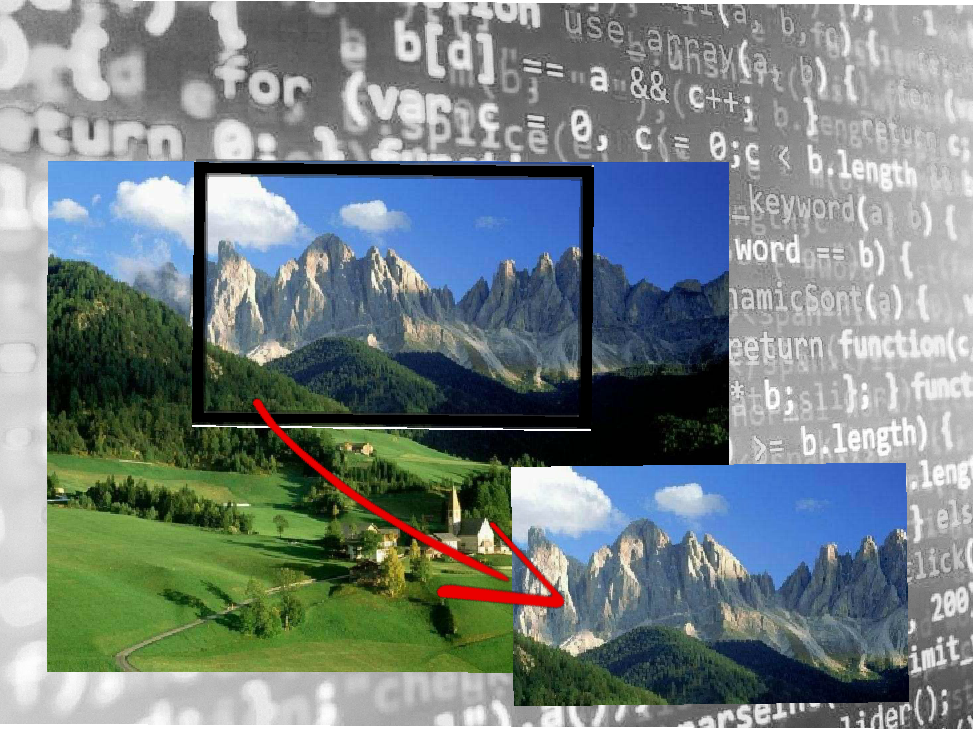
In this article we will introduce an option, that you can add to your website during the image upload process.
This option may become useful when your users have to upload an image and they have to select a precise are of the image. This option will do this work, you can select on many shapes, circle, rectangle, square or any other shape.
In particular this option is provided with a function where your user can resize the selected area on the basis of it needs. This function can be achieved in many way. The first one is the possibility to resize the crop area with the mouse scroll, an you can see at the bottom.
Or if you want to use a bar to enlarge or decrease the crop area you can use a scroll bar, you can see how it works below.
At least you can use this option in touchscreen with two fingers on the screen
Visit our website and choose your preferred customization, if you don’t find the customization you need, please contact us at our WhatsApp or Skype.